Learn n8n Automation Roadmap for Beginners. Master workflows, API integrations, AI automation, and scalable systems with practical examples.
If you’ve ever wished your repetitive tasks could just “run themselves,” you’re not alone. From sending emails and updating spreadsheets to syncing apps and managing leads, modern businesses rely heavily on automation. That’s where n8n workflow automation comes in—a powerful, flexible platform that lets you design workflows without needing to be a full-time developer.
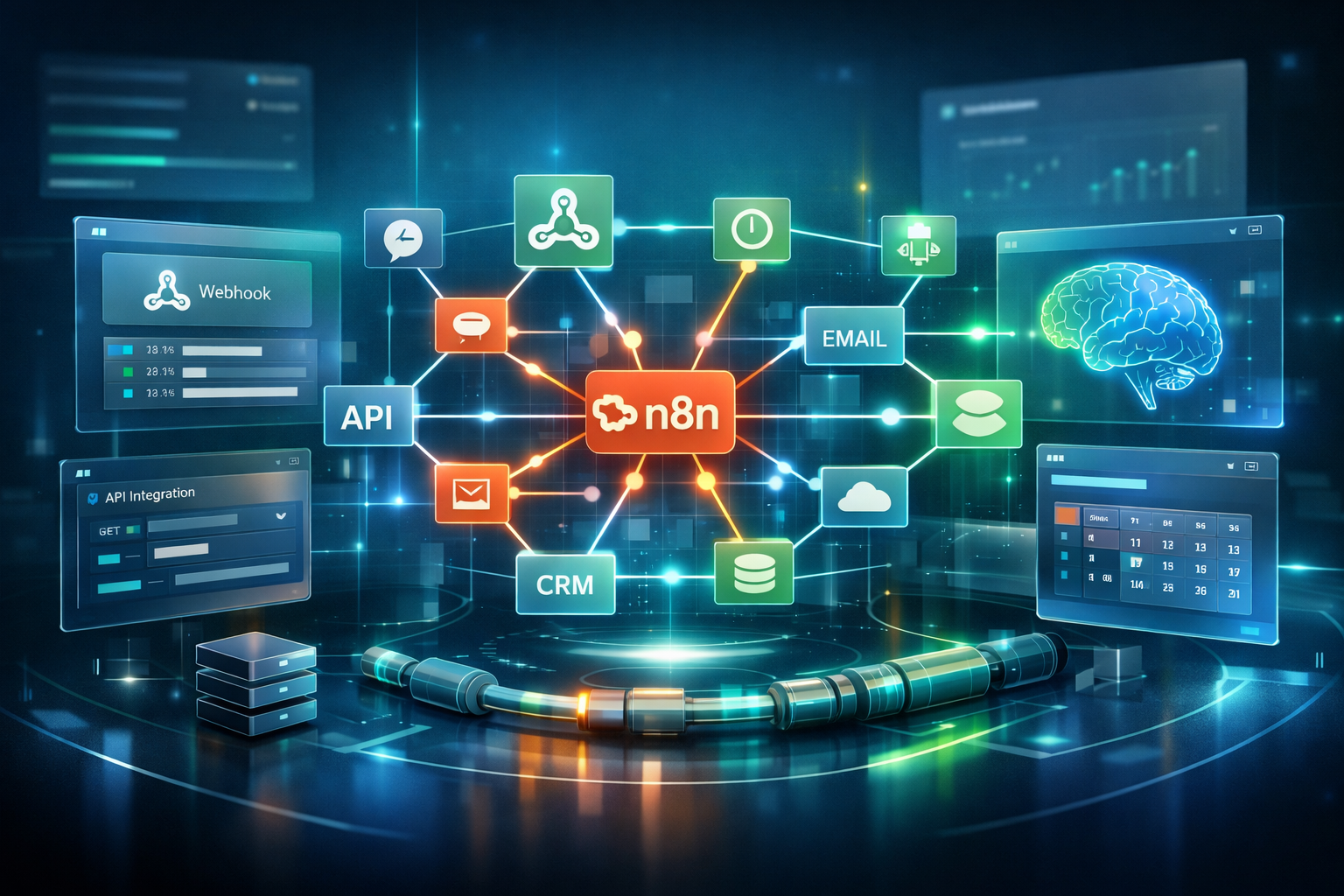
Unlike rigid tools, n8n is built on a node-based automation architecture, which means you visually connect different steps (called nodes) to create intelligent workflows. Whether you’re a beginner exploring automation or a founder trying to streamline operations, n8n offers a practical path to building real-world systems.
This guide is your complete roadmap—from understanding the basics to building scalable automation pipelines and integrating AI. We’ll walk through each stage step-by-step, with real examples, so you can confidently go from zero to automation expert.
1. Understanding the Foundations of n8n
Before jumping into advanced workflows, it’s essential to understand how n8n works at its core.
What is Node-Based Automation?
At its heart, n8n uses a node-based automation architecture. Each node represents a specific action—like sending an email, fetching data, or transforming information. You connect these nodes to create a flow of logic.
There are two main types of nodes:
- Trigger nodes (webhook, cron): These start your workflow. For example:
- A webhook triggers when a form is submitted.
- A cron trigger runs workflows on a schedule (like every day at 9 AM).
- Action nodes (API calls, integrations): These perform tasks after the trigger:
- Send messages via Slack
- Update a CRM
- Fetch data from APIs
This structure enables powerful workflow orchestration, allowing you to design step-by-step processes visually.
Real Example
Let’s say you run a SaaS startup:
- A user signs up → webhook trigger
- Data is sent to your CRM → action node
- Welcome email is sent → another action node
That’s a simple webhook automation workflow, but incredibly useful.
2. Setting Up n8n: Cloud vs Self-Hosted
Before building workflows, you need to decide how you’ll run n8n.
Self-Hosted vs Cloud n8n Setup
There are two main approaches:
- Self-hosted vs cloud n8n setup
- Cloud: Easy to start, no setup needed
- Self-hosted: Full control, better for scaling and privacy
If you’re just starting, cloud is easier. But if you’re handling sensitive data or want customization, self-hosting is a great option.
Credential Management & Security
As you connect apps, you’ll handle API keys and credentials. Proper credential management & security is crucial:
- Store credentials securely inside n8n
- Avoid hardcoding secrets
- Use environment variables when self-hosting
Security is often overlooked by beginners—but it’s critical as your workflows grow.
3. Building Your First Workflows
Now comes the exciting part—actually building automation.
Step 1: Start with Simple Use Cases
Begin with common automation use cases (CRM, marketing, scraping):
- Lead capture → CRM entry
- Email automation → follow-ups
- Data scraping → save to Google Sheets
These beginner-friendly workflows help you understand how everything connects.
Step 2: Working with APIs
One of n8n’s biggest strengths is REST API integration in n8n. You can connect virtually any app:
- Fetch data from external tools
- Send data between systems
- Build custom integrations
Example:
- Pull user data from an API
- Process it
- Send it to another platform
Step 3: Data Transformation
Raw data isn’t always useful. That’s where data transformation (JSON, functions) comes in:
- Modify API responses
- Filter data
- Format outputs
n8n allows you to use JavaScript functions to manipulate JSON data—this is where automation becomes powerful.
Step 4: Expressions & Variables
To make workflows dynamic, use n8n expressions & variables:
- Reference data from previous nodes
- Create dynamic messages
- Build conditional logic
Example:
Instead of sending the same email to everyone, personalize it using variables like user name or behavior.
4. Making Workflows Smarter and Reliable
Once you’ve built basic workflows, the next step is improving reliability and intelligence.
Scheduling & Event-Driven Automation
Automation works best when it runs at the right time:
- Scheduling & event-driven automation
- Run workflows on schedule (daily reports)
- Trigger workflows based on events (new signup)
This ensures your workflows are always timely and relevant.
Error Handling & Retry Logic
Things will break—it’s inevitable. That’s why error handling & retry logic is essential:
- Retry failed API calls
- Handle missing data gracefully
- Log errors for debugging
Example:
If an API fails, retry after 5 minutes instead of stopping the workflow.
Debugging n8n Workflows
As workflows grow, debugging becomes critical:
- Use logs to track issues
- Test workflows step-by-step
- Analyze node outputs
Mastering debugging n8n workflows will save you hours of frustration.
5. Scaling Up: Advanced Automation & AI Integration
Once you’re comfortable, it’s time to build advanced systems.
AI Workflow Integration
Modern automation is incomplete without AI. With AI workflow integration (OpenAI, LLMs), you can:
- Generate content automatically
- Summarize data
- Build intelligent chatbots
Example:
- Fetch user query → process with AI → send personalized response
This turns simple workflows into intelligent systems.
Using Community Nodes & Extensions
n8n has a rich ecosystem of n8n community nodes & extensions:
- Pre-built integrations
- Custom functionalities
- Faster workflow development
Instead of building everything from scratch, you can leverage community tools.
Building Scalable Pipelines
As your business grows, so should your automation:
- Design scalable automation pipelines
- Break workflows into reusable modules
- Optimize performance
Think of your workflows like systems—not just tasks.
End-to-End Business Automation
The ultimate goal is end-to-end business process automation:
- Lead capture → nurturing → conversion → reporting
- Fully automated marketing funnels
- Automated customer onboarding
At this stage, your business runs smoother with minimal manual work.
6. Comparing n8n with Other Tools
You might wonder how n8n compares to alternatives.
Low-Code Automation Tools Comparison
In a low-code automation tools comparison, n8n stands out because:
- Open-source flexibility
- Advanced customization
- Strong developer capabilities
Compared to tools like Zapier:
- More control
- Lower cost (especially self-hosted)
- Better for complex workflows
Conclusion: n8n Automation Roadmap for Beginners
n8n is more than just an automation tool—it’s a complete ecosystem for building intelligent workflows.
Here’s what you’ve learned in this roadmap:
- Start with n8n workflow automation basics
- Understand triggers, actions, and workflow orchestration
- Build real workflows using APIs and data transformation
- Improve reliability with error handling and debugging
- Scale with AI, community nodes, and advanced pipelines
The journey from beginner to expert doesn’t happen overnight—but with consistent practice, you’ll start seeing real impact quickly.
Final Thought
Start small. Automate one task today. Then another tomorrow.
Before you know it, you’ll have built powerful systems that save time, reduce errors, and unlock growth.
If you’re serious about automation, n8n isn’t just a tool—it’s a skill that can transform how you work.
FAQs: n8n Automation Roadmap for Beginners
1. What is n8n automation?
n8n automation is a workflow automation tool that allows you to connect apps, automate tasks, and build custom processes using a visual interface.
2. Is n8n beginner-friendly?
Yes, n8n is beginner-friendly, especially for those familiar with basic logic. Its visual workflow builder makes automation easier to understand.
3. What is node-based automation in n8n?
Node-based automation means creating workflows using connected blocks (nodes), where each node performs a specific action or trigger.
4. What are trigger nodes in n8n?
Trigger nodes start workflows. Examples include webhook triggers (real-time events) and cron triggers (scheduled tasks).
5. What are action nodes in n8n?
Action nodes perform tasks such as sending emails, calling APIs, or updating databases.
6. Can I use APIs in n8n?
Yes, n8n supports REST API integration, allowing you to connect almost any service.
7. What is a webhook in n8n?
A webhook is a URL that triggers a workflow when it receives data from external apps.
8. What is workflow orchestration?
Workflow orchestration refers to managing and coordinating multiple steps in an automation process.
9. Can I host n8n myself?
Yes, n8n can be self-hosted, giving you full control over data and customization.
10. What is the difference between cloud and self-hosted n8n?
Cloud is easy to use with no setup, while self-hosted provides more control, privacy, and scalability.
11. Is n8n free?
n8n offers a free self-hosted version and paid cloud plans.
12. How does n8n handle errors?
n8n supports error handling and retry logic to manage failures and ensure workflow reliability.
13. What is data transformation in n8n?
It involves modifying data (like JSON) using functions to fit your workflow needs.
14. What are expressions in n8n?
Expressions allow dynamic data usage by referencing values from previous nodes.
15. Can I use AI with n8n?
Yes, n8n supports AI integrations like OpenAI for tasks such as content generation and automation.
16. What are common use cases of n8n?
CRM automation, marketing workflows, lead generation, data scraping, and reporting.
17. How do I debug workflows in n8n?
You can test nodes, check logs, and analyze outputs step-by-step.
18. What are community nodes in n8n?
Community nodes are custom-built integrations shared by developers to extend n8n functionality.
19. Is n8n better than Zapier?
n8n offers more flexibility, customization, and cost efficiency, especially for advanced users.
20. Can n8n handle large-scale automation?
Yes, n8n can build scalable automation pipelines for complex business processes.
21. What is event-driven automation?
Automation triggered by real-time events, such as form submissions or app actions.
22. Do I need coding skills for n8n?
Basic knowledge helps, but many workflows can be built without coding.